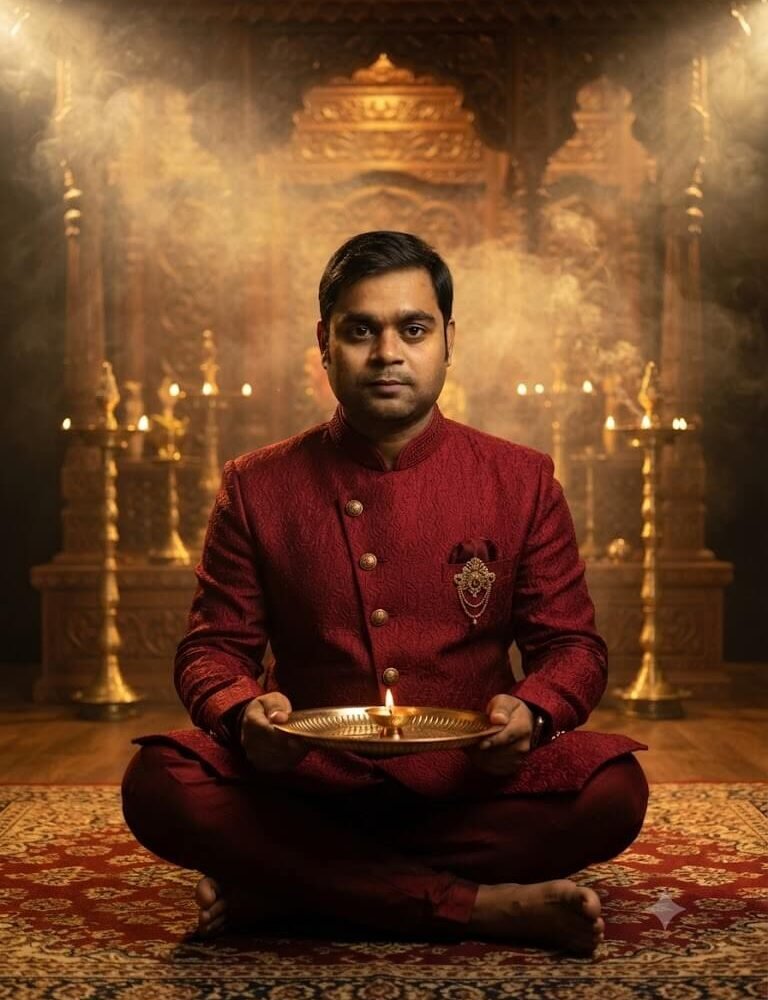
A realistic 8K solo festive portrait of the man from the uploaded photo. Keep his exact facial features, jawline, eyes, grooming/beard style, and skin tone 100% identical to the reference image without changes. He is sitting cross-legged in a meditative, composed posture on a royal antique Persian rug in front of an intricately hand-carved teakwood house temple. The sanctum is illuminated with warm golden temple lamps, and a gentle haze of dhoop incense smoke creates visible, dramatic volumetric light shafts in the background air. He is dressed in a rich textured royal maroon bandhgala kurta accented by antique gold buttons and an ornate brooch. In his hands, he reverently holds an engraved brass aarti thali with a flickering diya. Rich cultural ambiance, 85mm f/1.8 lens portrait, natural shadows, sharp eye reflections, photorealistic heritage aesthetic.
About This Prompt & Style Guide
Radiate timeless dignity, poise, and royal sophistication with this cinematic mandir glow AI portrait prompt crafted for men. Capturing the reverent spirit of Diwali evening, this prompt seats you cross-legged on an ornate Persian rug before a hand-carved teakwood temple. Dressed in a textured royal maroon bandhgala kurta accented by a gold heritage brooch, you hold a polished brass aarti thali illuminating your face. Volumetric light beams pierce through fragrant dhoop incense smoke, generating a dramatic, atmospheric depth that rivals period cinema. Utilizing advanced identity preservation guidelines, the image retains your exact facial proportions, beard line, and eye details with authentic photorealistic fidelity.